
Imagine a sound. Create your instrument. Play.
Real-time live performance. Nothing but the software.


From an idea to your pads.
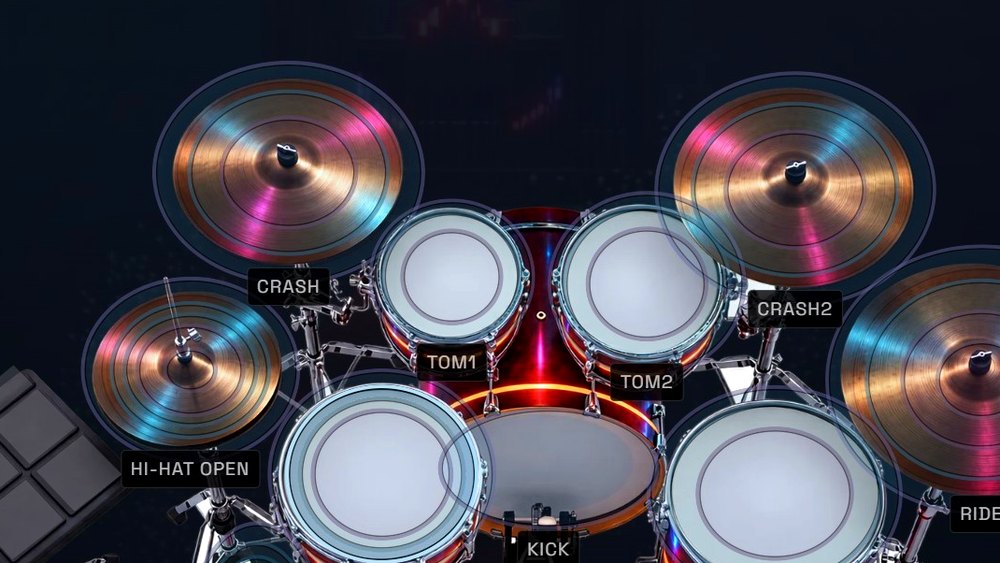
Plug in your kit
Connect your e-drums by USB and start the software. It recognises your kit and sets up the pads for you. Roland, Yamaha and Alesis layouts are built in, and other kits get a standard drum layout.
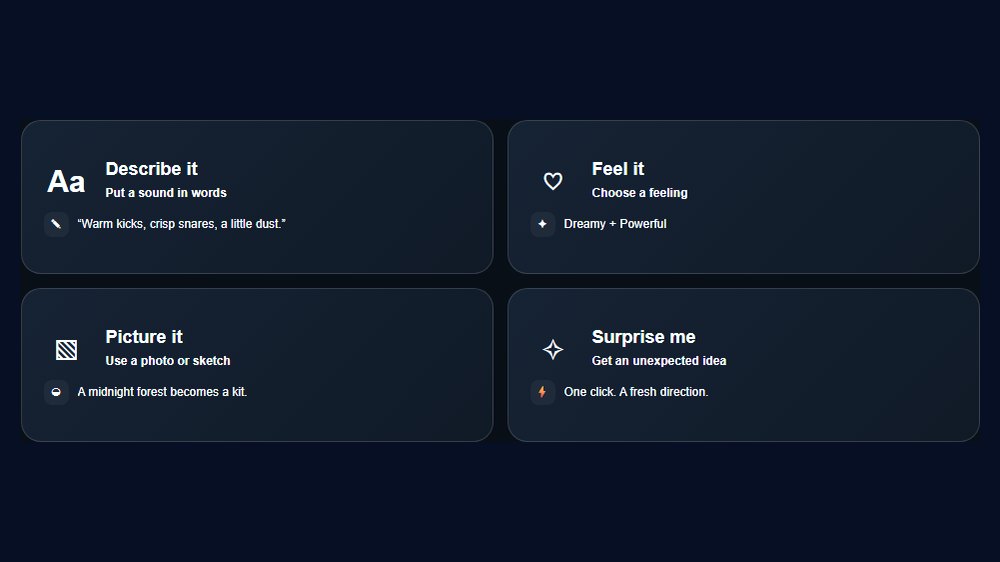
Describe a new kit
Press New kit and write what you want in your own words. A sound, a style, a place, a mood: “cinematic tribal drums”, “zombie groove”, “toy piano and bottle caps”.
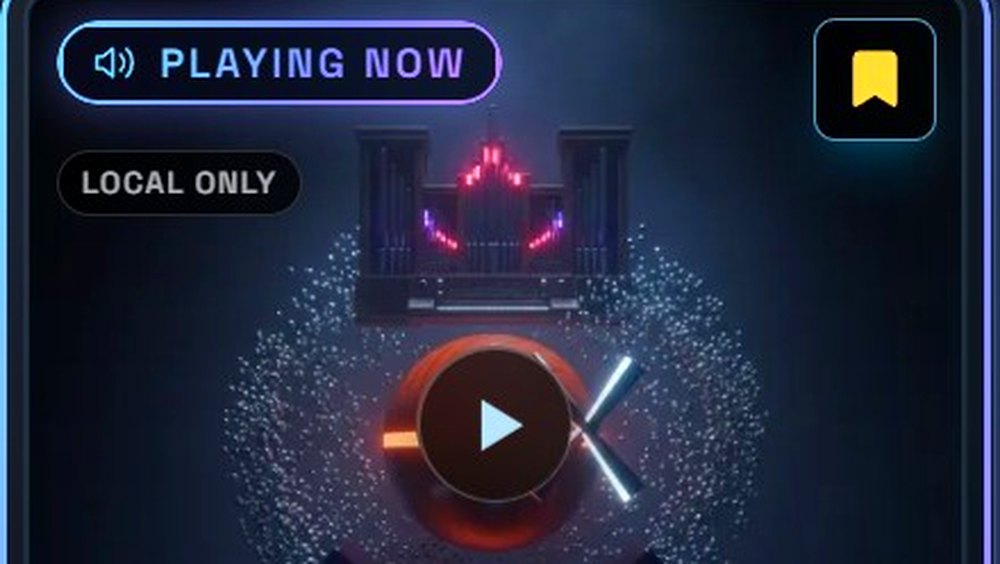
Let it make the kit
Ask once. It makes the whole kit in the background and saves it to your library under its own name, while you keep playing. A notice tells you when it is finished.
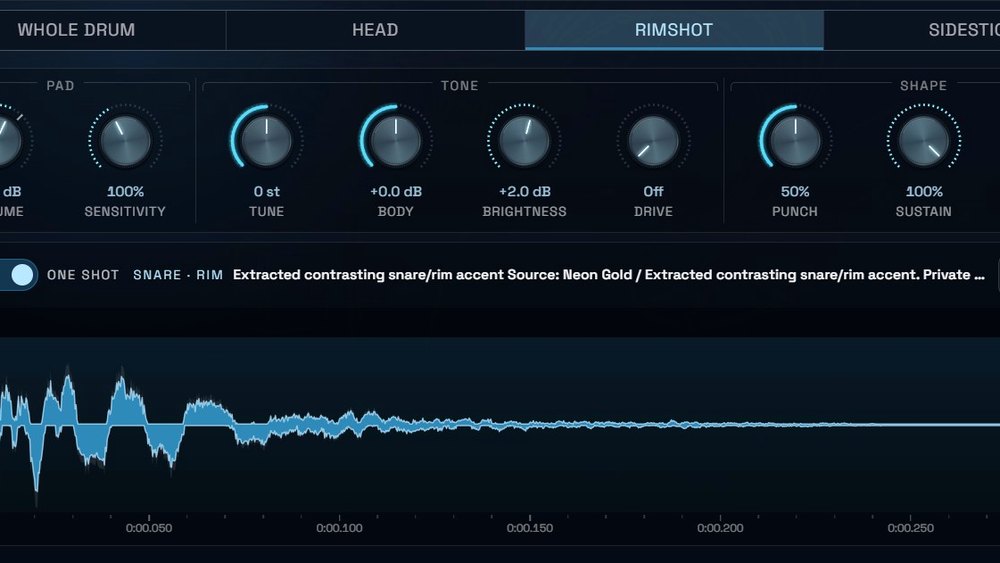
Play it and make it yours
Swap any drum for a related sound, shape it with volume, tone, punch and sustain, or make a brand-new sound for just that pad. Hard and soft hits each have their own feel.

Not just drums. Any sound world you can imagine.
Every kit gets its own cover art and its own set of sounds, made for your pads.
 Cloud Temple
 Funk Machine
 Steam Engine
 Sunrise Parade
 Techno Bunker
 Zombie Groove
A kit, a PC and five minutes.
- A Windows 10 or 11 PC (64-bit).
- Any USB electronic drum kit or drum pad controller.
- Headphones or speakers, or your drum module's own output.
- An internet connection and a free account to make new kits.
Good to know. This is an early build shared with a small group. The Roland TD-17 is the kit we've tested most, so hearing how your kit behaves is a big help. Your kits and sounds stay on your own PC.

Email Jason and he'll send you the download link and a short setup guide. It takes about five minutes to get playing.
Email for the download